

Making the most of igroomhub
Built for Busy Groomers
Clever features, handy shortcuts and a few little tricks to help you find what you need fast, and get more out of every spare minute.

CLEVER FEATURES
Four things worth getting to know
Little helpers built into igroomhub, so you spend less time looking and more time learning.

ASK HILARY
Cute but strict
Hilary knows igroomhub inside out and is the brains behind our search bar. Tell her the breed, technique or grooming problem you're after and she'll find the tutorials, articles and resources that help. She's also adding mini quizzes to our tutorials, so you can put your knowledge to the test.
Where to find her
The search button on your dashboard, or the magnifying glass anywhere on the site. Quizzes show up as her teal circle in Up Next.

GROOM BRIEFS
Undies on the outside, here you come.
Finnish Lapphund arriving in a minute, and it's been a while? Search the breed and, where a brief is available, Hilary gives you five things to get right, courtesy of one of our wonderful contributors.
Where to find it
Search any breed. The brief appears under the best match.

UP NEXT
One good tutorial deserves another.
Recommendations inspired by what you've just watched or read. Some closely related, some sideways, and a Serendipity pick for something completely unexpected. Arrive for a Schnauzer head, leave knowing far more about hand stripping than you intended.
Where to find it
Scroll beneath the main content on a page, just before the comments. Nothing inspiring? Use the refresh icon to line up another 6.

SAVE YOUR FAVES
But NOT NOW, you cry.
Spotted something you'd love to watch, but there's a dog on the table? Click the heart on Save This Page and it'll be waiting for you in My Favourites, your own little collection to revisit when you've got a minute.
Where to find them
My Favourites, at the top of the Main Directories on your dashboard.
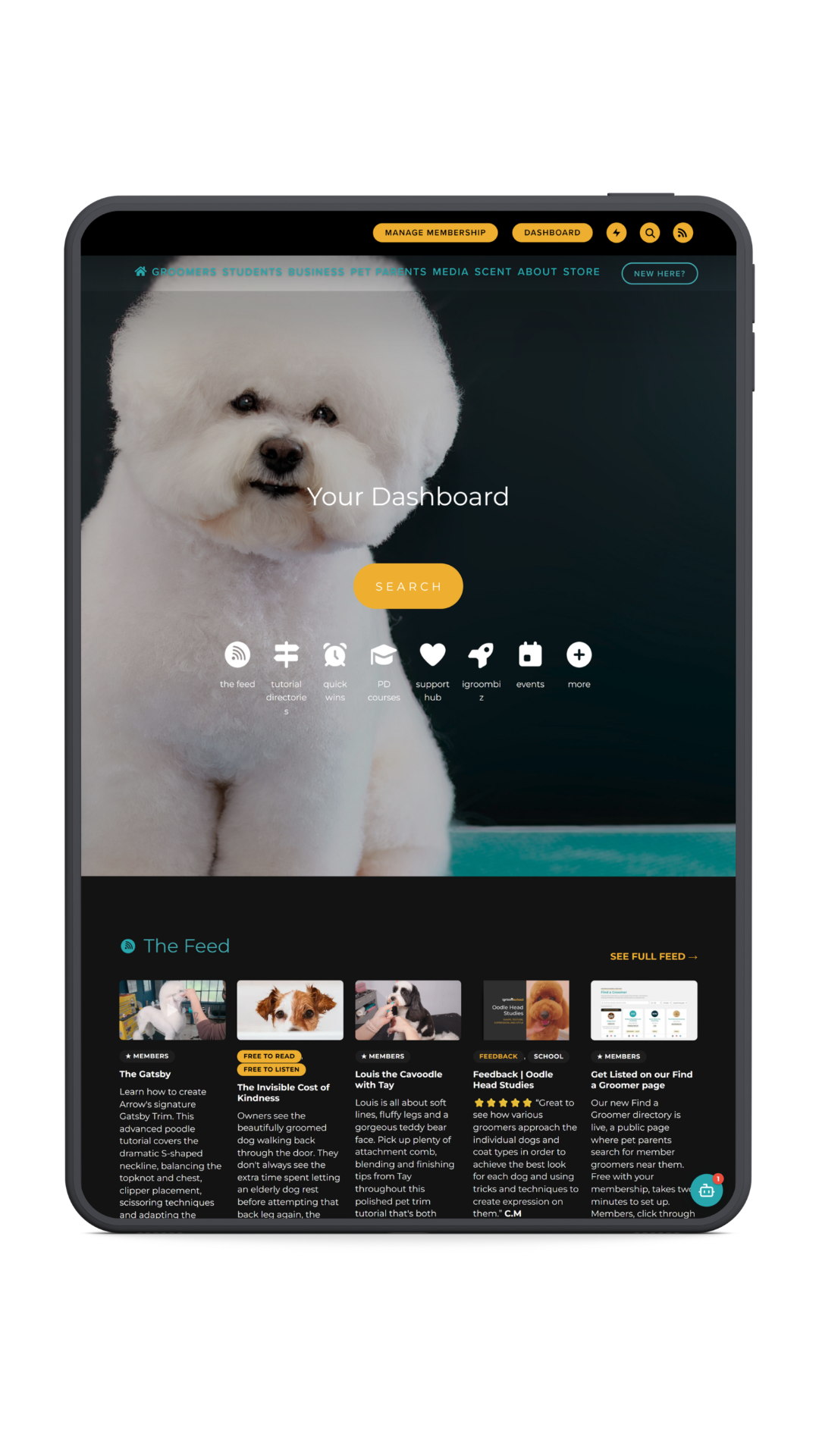
YOUR DASHBOARD
Home base, with Queen B on guard
Meet Queen B, our gorgeous Bichon and guardian of your dashboard. Click her little face anywhere on igroomhub and you'll land right back here.
The icons beneath her are shortcuts. Tap one to jump straight to that section, or scroll the scenic route:
THE FEED
Everything new, in one place
New tutorials, articles, podcasts and other interesting things all land in The Feed. Your dashboard shows a sneak peek of the latest members-only content. The full Feed has the lot.
THE MAIN DIRECTORIES
The heart of igroomhub
Our tutorials live in three main directories, each one a different department of grooming.
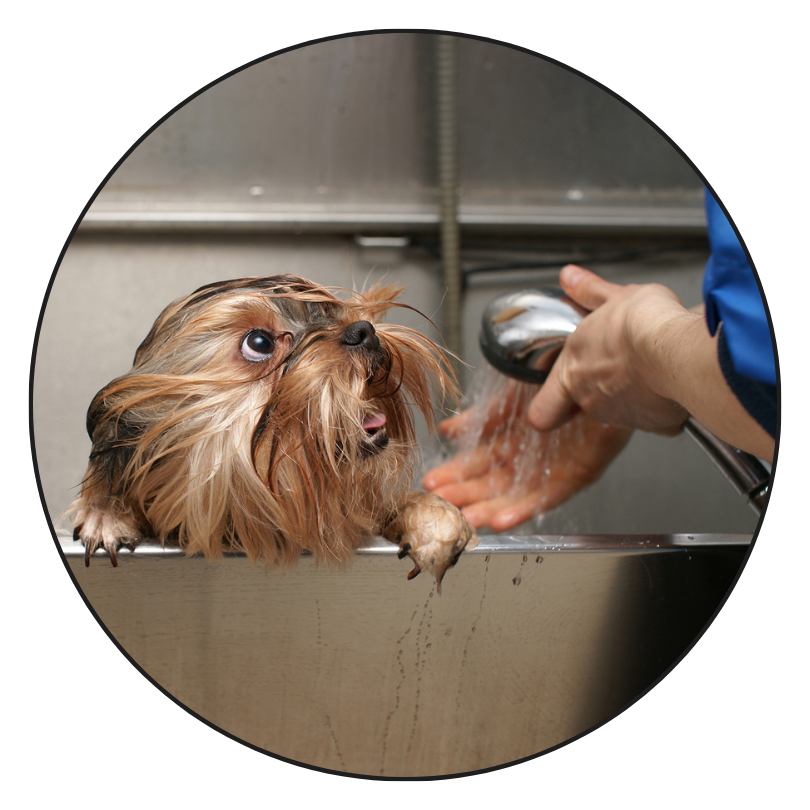
FOUNDATIONS AND PREP
Tools and maintenance, skin and coat, bathing and drying: everything that goes into preparing a dog for a great groom.
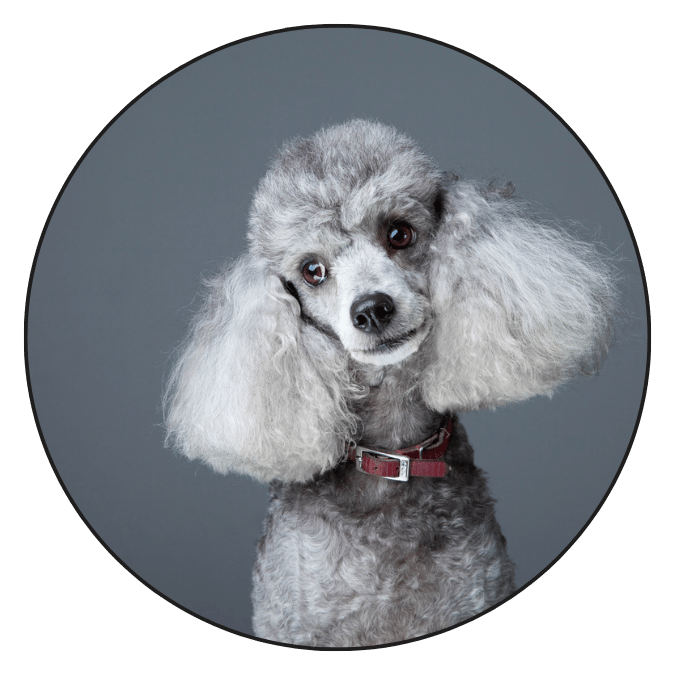
GROOMING TUTORIALS
Browse by breed group or go straight to the A–Z. Every breed has its own page, with Pet Style and Masterclass tutorials where available. It's a LOT of dogs.
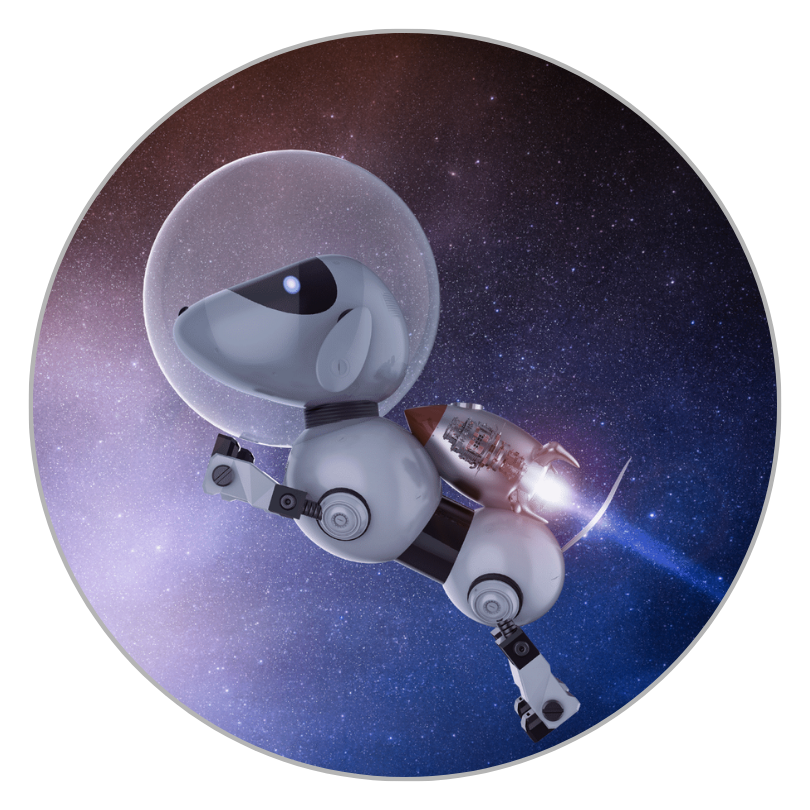
THE GROOMERVERSE
Where things get interesting: Asian Fusion, colour, challenging situations, model dogs, shows and competitions, DIY accessories and more.
♥ MY FAVOURITES sits right at the top of the Main Directories, holding every page you've saved.
COMMENTS
Enter the chat
Got a question about a tutorial, a tip to share, or a groom you’d love a second opinion on? Every tutorial has its own comments section, where members can ask questions, swap ideas and talk shop with groomers who get it. No question too small.
Where to find it: At the very bottom of every tutorial, just below Up Next.
Take us with you
igroomhub in your pocket
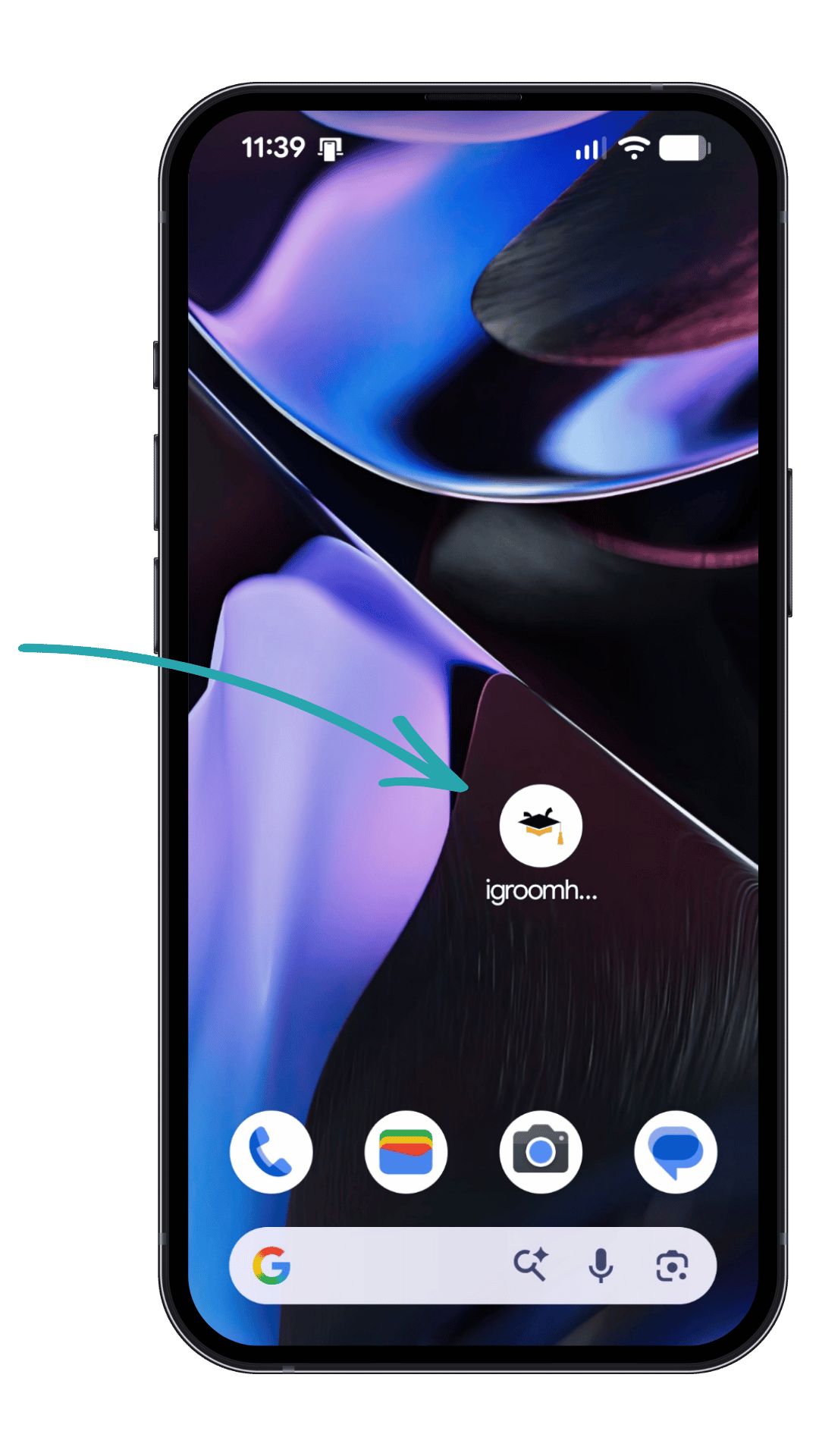
Did you know you can save igroomhub to your phone's home screen, just like an app?
One tap and you're straight into your dashboard, ready to search, watch or catch up on something interesting.
It works on both Apple and Android, and takes about a minute to set up.
